
Thumbs
Here is a new method:
Place these 2 lines into you config.php or you farmconfig.php:
# eliminate need to repeat same filename when it links to itself
Markup('link_shortcut', '<links', '/\[\[([^|\]]+)\|\s*<link>(.*?)\]\]/', '[[$1|$1$2]]');
Adjust your image link tp be like this:
%new window height=100px%[[Attach:giant_crystals.jpg|<link>"Click for full size image"]]
Thanks to Petko for the regex help.
--gnuzoo
I do not have a publically accessible demo of this because I am using http://localhost/
This is way simpler to use:
(:L1:%newwin height=100px%[[Attach::)
(:L2:|<link>"Click for full size image"]] %hw8%i:x.svg:)
GM Cars of the Future

{$:L1}gm1.jpg{$:L2} \
{$:L1}gm2.jpg{$:L2} \
{$:L1}gm3.jpg{$:L2} \
{$:L1}gm4.jpg{$:L2}
When PmWiki displays this page markup it looks like this:
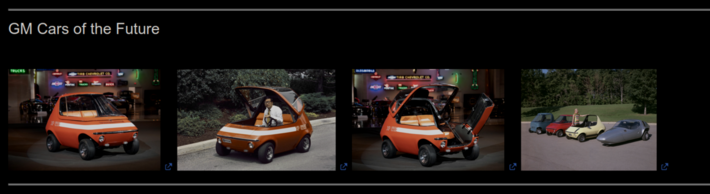
Eventually I will remove the "unintended behavior" below this line but it will remain for a short while.
This recipe below has been destroyed in the current version of PmWiki.
Not true, read the release notes. Petko
You fixed or adjusted something, or maybe I halucinated it, but AFAIK it was not working. I still prefer using the above method, maybe something like that will be in the core. --gnuzoo
Petko, Below it does not currently work anymore. The information below is pretty much rendered obsolete by this most recent Markup. --gnuzoo
Warning: This recipe abuses what is considered a bug existing in some PmWiki versions. It may not work with the current or future PmWiki versions. note: this comment added by --Petko
Using the word "abuses" makes it sound as if this "How To" is nefarious. This is certainly not abuse, not even close. We are all friends here. --gnuzoo
Questions answered by this recipe
How to make thumbs of images without using and addon, no config.php, no cookbook recipe, nothing but PmWiki itself
Description
The most easy to use image thumbs using what pmwiki has already has
no addon, no config.php, no recipe, nothing - just toss a bunch
of image references into a div.
It works but cannot add tooltips or captions. IMHO bandwidth has
gotten so fast that most websites do not need to cache mini images,
sticking weird files with weird filenames all over the place and
making a mess.
This may not work very well if your internet connection is
very slow and your images are extremely high resolution and
huge in file size or if you have a gazillion images, but it will
probably work for everthing. I estimate that for 99% of users this
will work perfectly.
Installation - not required
Configuration - not required
Usage
This makes use of a PmWiki feature (unintended behavior)
that when an image URL not inside a link of form "[[ link|image ]]"
but is on the page as plain text such as
%height=100px%http://localhost/z/[=file1.jpg=]
and notice the filename is inside escapes -- [=filename.jpg=]
PmWiki displays the image and makes it a link to the image itself.
When clicked it displays the image at full size.
Normal display of images can include a tooltip and caption text like this:
http://localhost/z/file1.jpg"TOOLTIP TEXT"|CAPTIONTEXT
Using this thumb images method the tooltips and captions do not work.
Images for thumbs will flow left to right and then wrap the the next row.
Clicking shows original image at full resolution in a new tab - works great!
Filename with spaces are clickable.
(:I:%newwin height=100px display=block%https://www.pmwiki.org/pmwiki/uploads/Cookbook/:)
(:div style="display: flex; flex-wrap: wrap; gap: 5px;":)
{$:I}[=marinecorps.gif=]
{$:I}[=ComplexTable1.png=]
{$:I}[=crystal-tux-rt.png=]
{$:I}[=SimplePlaylist.webp=]
{$:I}[=Movie.jpg=]
{$:I}[=photogallery_screenshot.jpg=]
{$:I}[=quicktocclosed.jpg=]
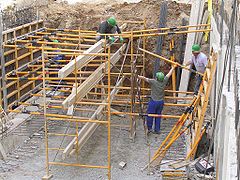
{$:I}[=scaffolding.jpg=]
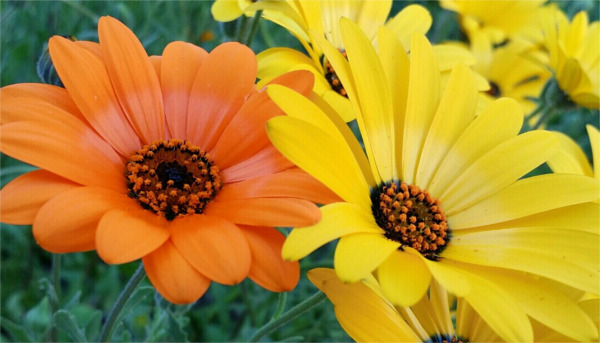
{$:I}[=SunnyslopeAfricanDaisies.jpg=]
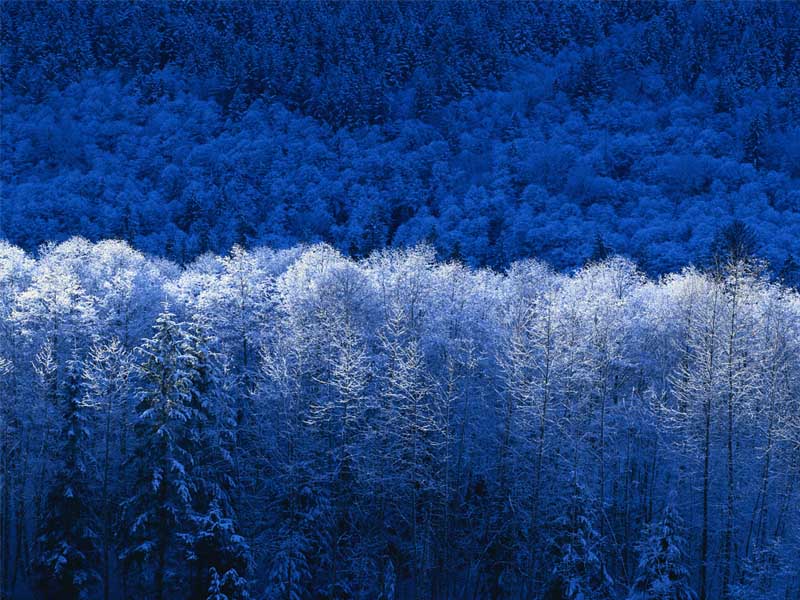
{$:I}[=Winter.jpg=]
{$:I}[=windfarm.jpg=]
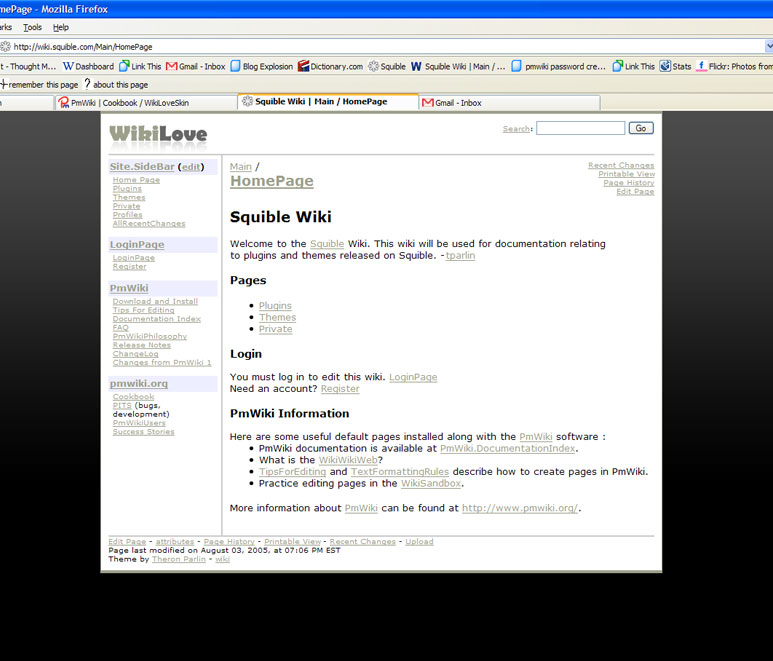
{$:I}[=wikilovescreen.jpg=]
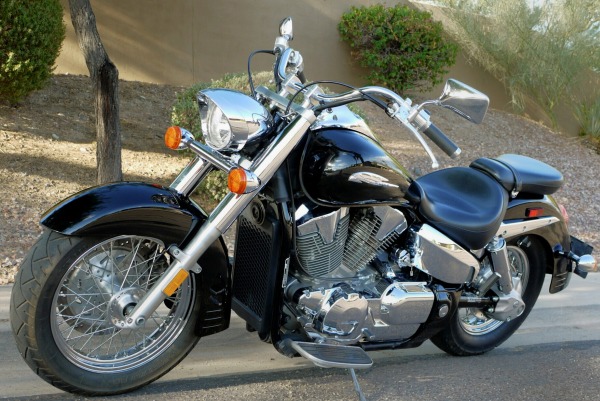
{$:I}[=VTX1300S-Retro.jpg=]
(:divend:)
|
      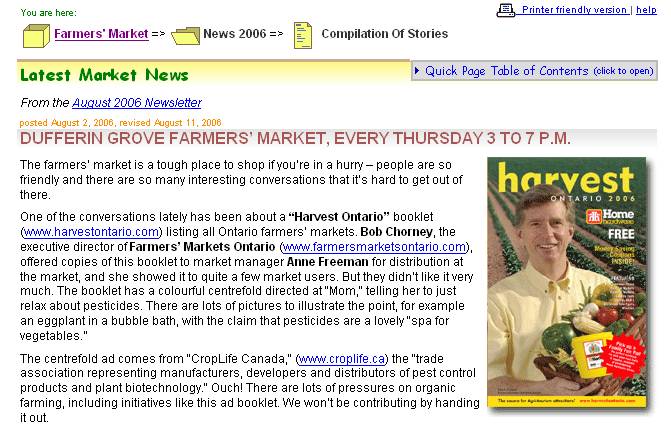       |
To do / some day / maybe
Petko mentioned that he may try to fix this PmWiki feature (unintended behavior)
but until then, this is a great way to make thumbs of images.
I think he should allow this feature to continue, but fix the tooltips and captions.
Perhaps he could create a new markup just for images to link to themselves and still
use tooltips and captions.
Change log / Release notes
See also
Contributors
--gnuzoo
Comments
See discussion at Thumbs-Talk
User notes : If you use, used or reviewed this recipe, you can add your name. These statistics appear in the Cookbook listings and will help newcomers browsing through the wiki.